Reading is boring ? Select the letters of the post to listen to it 🔊

Best opensource software

 The Definitive Guide to Open Source Software I TrustRadius

There are many open-source software options available for Windows, and the best ones will depend on your specific needs and preferences. Some popular open-source software options for Windows include:

  1.  

    7 LibreOffice Tips To Get More Out of It - It's FOSS

    LibreOffice: A productivity suite that includes word processing, spreadsheet, presentation, and other tools, and is compatible with Microsoft Office file formats.

  2.  

    Using GIMP to Increase Business Productivity - open source for you

    GIMP: An image editing and manipulation program that is similar to Adobe Photoshop.

  3.  

    Audacity ® | Free, open source, cross-platform audio software for  multi-track recording and editing.

    Audacity: An audio editing and recording program that is widely used for podcasting and music production.

  4.  

    VLC Media Player banned; website and VLC download link blocked in India -  BusinessToday

    VLC Media Player: A media player that can play a wide range of audio and video formats, including DVDs, CDs, and network streams.

  5.  

     Firefox - Protect your life online with privacy-first products — Mozilla

    Mozilla Firefox: A web browser that is known for its privacy features and support for open web standards.
  6.  

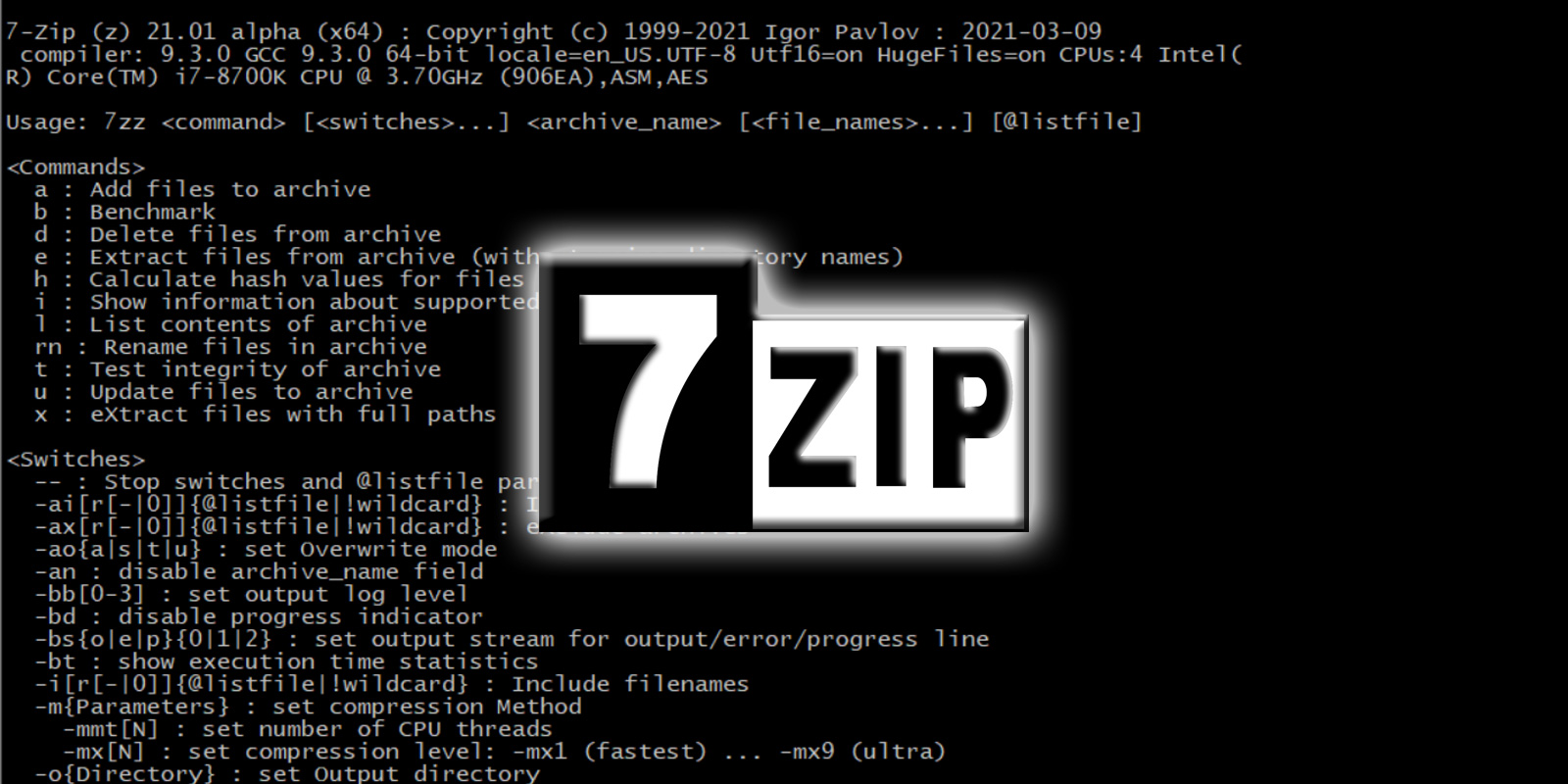
    7-Zip developer releases the first official Linux version

    7-Zip: A file archiver and compressor that supports a wide range of formats, including .zip, .rar, and .7z.

  7.  

    KeePass Review | PCMag

    KeePass: A password manager that allows you to store and manage your passwords in a secure way.

  8.  

    OpenVPN 2.4.3 Review | PCMag

    OpenVPN: A virtual private network (VPN) client that allows you to securely connect to a VPN server.

These are just a few examples of open-source software options for Windows, and there are many others to choose from. You can find more options by searching online or by using an app store that focuses on open-source software, such as the Open Source Software Directory.

Rate this article

Loading...

Post a Comment

© Learn At No Cost. All rights reserved.

Cookies Consent

This website uses cookies to ensure you get the best experience on our website.

Cookies Policy

We employ the use of cookies. By accessing Lantro UI, you agreed to use cookies in agreement with the Lantro UI's Privacy Policy.

Most interactive websites use cookies to let us retrieve the user’s details for each visit. Cookies are used by our website to enable the functionality of certain areas to make it easier for people visiting our website. Some of our affiliate/advertising partners may also use cookies.