
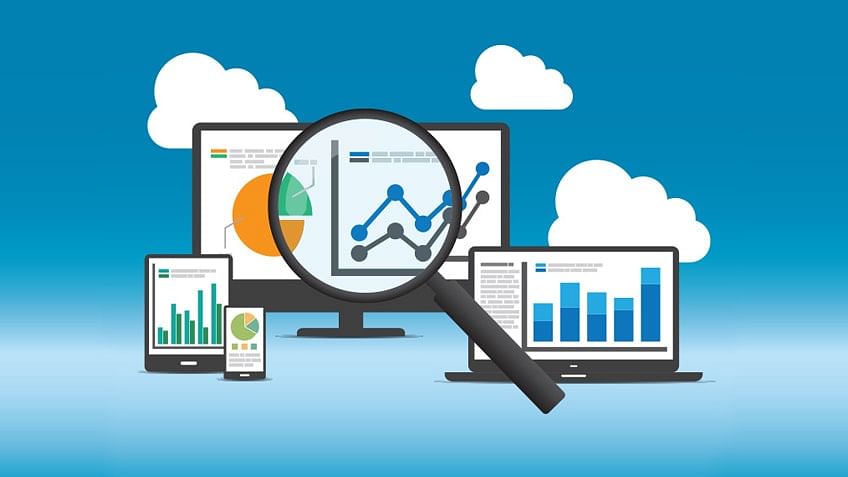
Web analytics is the process of collecting, analyzing, and reporting on data related to a website's traffic and performance. It is a way for businesses to understand how their website is being used and how to improve it.
Web analytics tools, such as Google Analytics, allow businesses to track a wide range of metrics, such as the number of visitors to a website, the pages they visit, the sources of their traffic, and their behavior on the site. This information can be used to understand which marketing channels are most effective, identify areas for improvement on the website, and optimize the user experience.
Web analytics can be an important part of a larger digital marketing strategy, as it provides valuable insights into the performance of a website and helps businesses make data-driven decisions. It is important to regularly review and analyze web analytics data to understand how your website is performing and identify opportunities for improvement.
Here is a brief overview of the steps involved in using web analytics:
Set your goals: Determine what you want to achieve through your web analytics efforts.
Choose a tool: Select a web analytics tool, such as Google Analytics, that meets the needs of your business.
Install the tracking code: Add the tracking code provided by your web analytics tool to your website to enable data collection.
Configure your settings: Set up the tracking and reporting options in your web analytics tool to meet the specific needs of your business.
Collect data: Allow your web analytics tool to collect data on your website's traffic and performance.
Analyze and interpret the data: Use your web analytics tool to review and analyze the data collected on your website, and use this information to understand your website's performance and identify areas for improvement.
Use the data to optimize your website: Use the insights gained from your web analytics analysis to make changes to your website, such as optimizing the user experience, improving the design, or adjusting your marketing efforts.
Repeat the process: Regularly review and analyze your web analytics data to understand how your website is performing and identify opportunities for improvement.
Web analytics can be a powerful tool for understanding and improving the performance of your website, but it requires careful planning and analysis to be effective.
TOOLS :
There are many tools available for collecting and analyzing web analytics data. Some popular options include:
Google Analytics: A free web analytics tool offered by Google that allows you to track and report on a wide range of metrics, such as website traffic, user behavior, and conversions.
Adobe Analytics: A comprehensive web analytics platform that offers advanced tracking and reporting capabilities, as well as integrations with other Adobe marketing tools.
Mixpanel: A web analytics tool that allows you to track and analyze user behavior on your website or mobile app in real-time.
Clicky: A web analytics platform that offers real-time tracking and reporting, as well as advanced features such as heatmaps and session replay.
Woopra: A customer analytics platform that allows you to track and analyze the behavior of individual users across multiple devices and channels.
When selecting a web analytics tool, it is important to consider the needs of your business and choose a platform that offers the features and integrations that you require. It is also a good idea to try out a few different tools with a free trial before making a decision.